Delivery within Tulkarem — Free delivery over 100 ILS
Groceries and fast food, delivered to your door
The Ali Go delivery app: browse the aisles and daily offers, pick a delivery time, and pay cash on delivery.

- Cash on delivery
- Daily offers
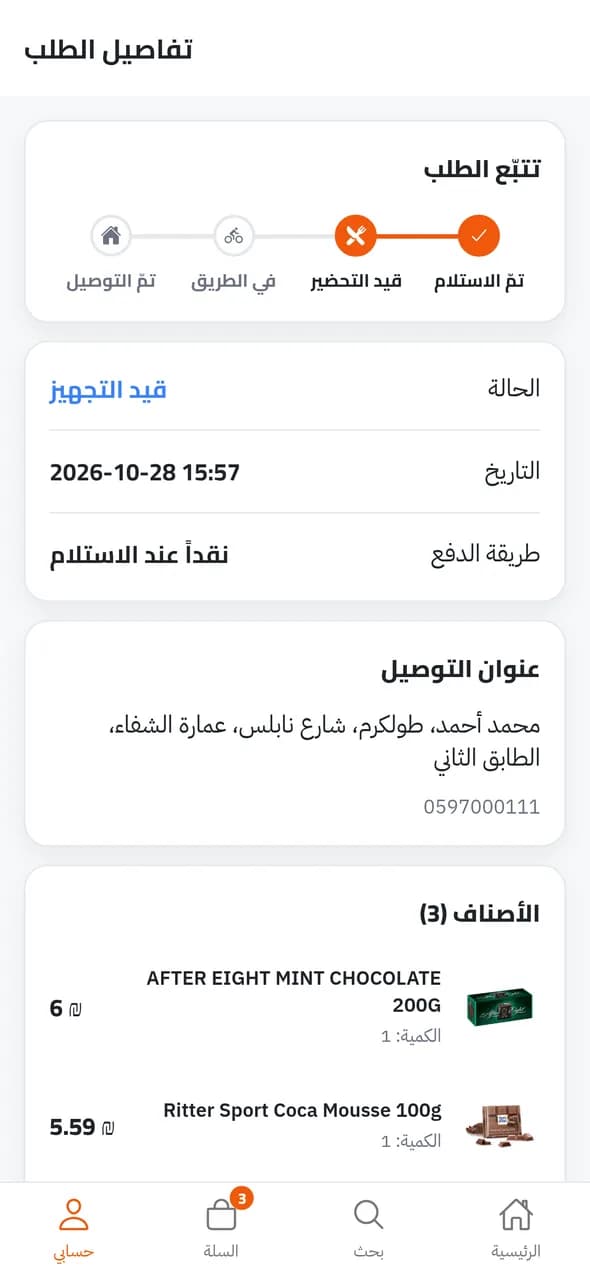
- Track your order to the door
How to order
Four steps from opening the app to your door.
- 1
Get the app, set your area
From the App Store or Google Play. The app finds your area, or pick it from the list.
- 2
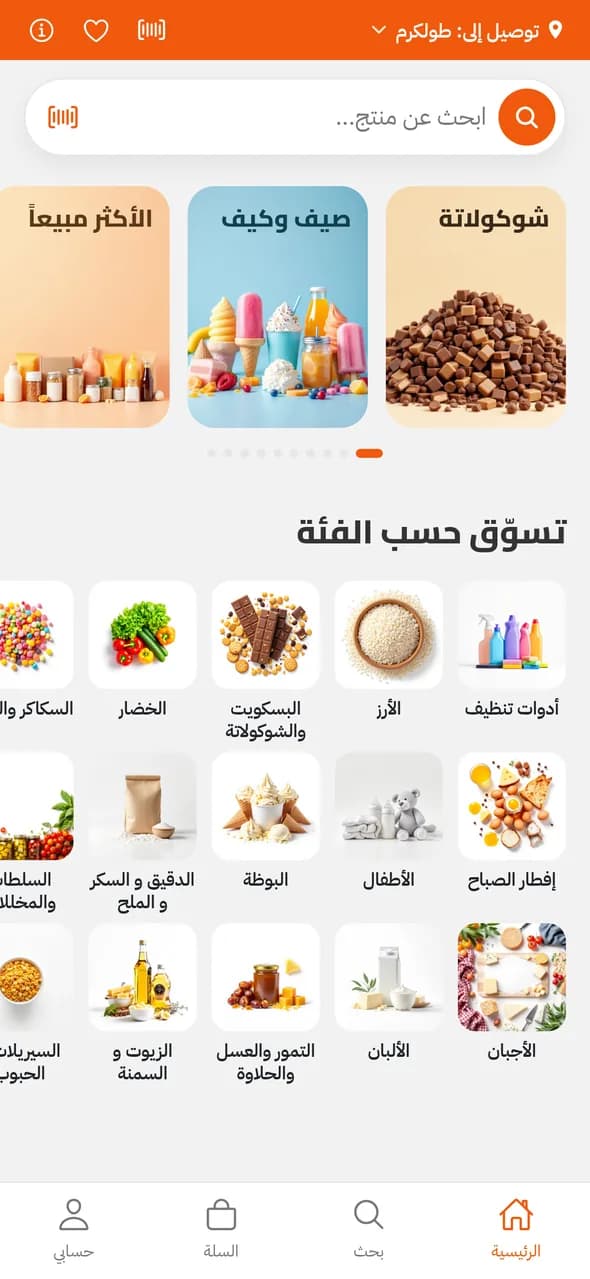
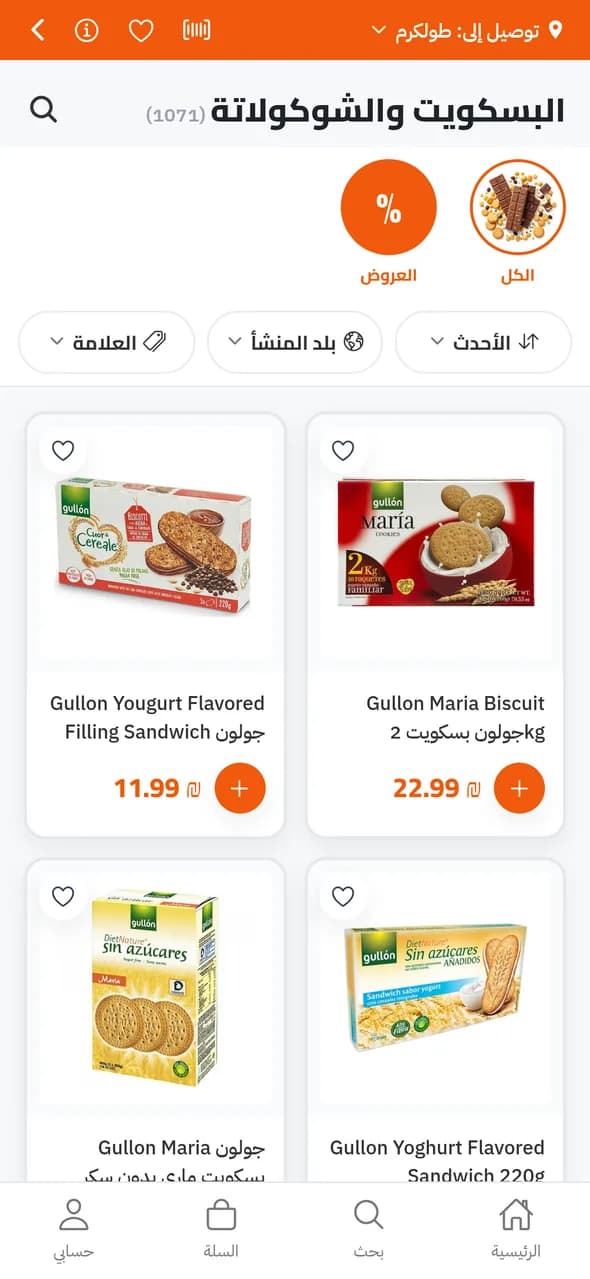
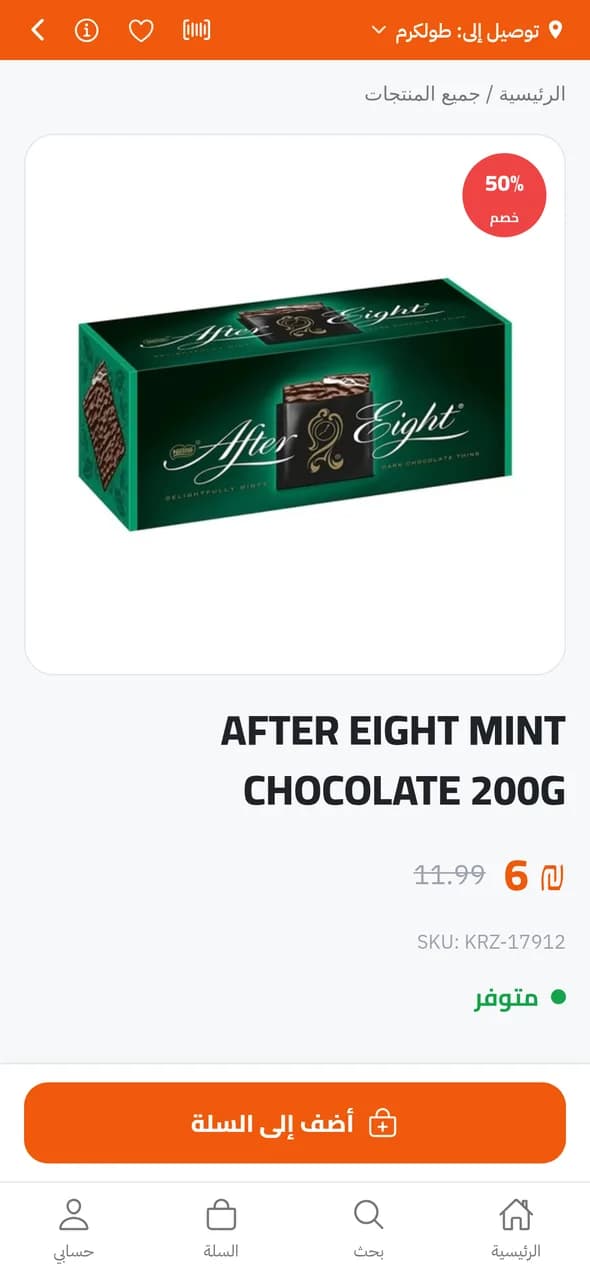
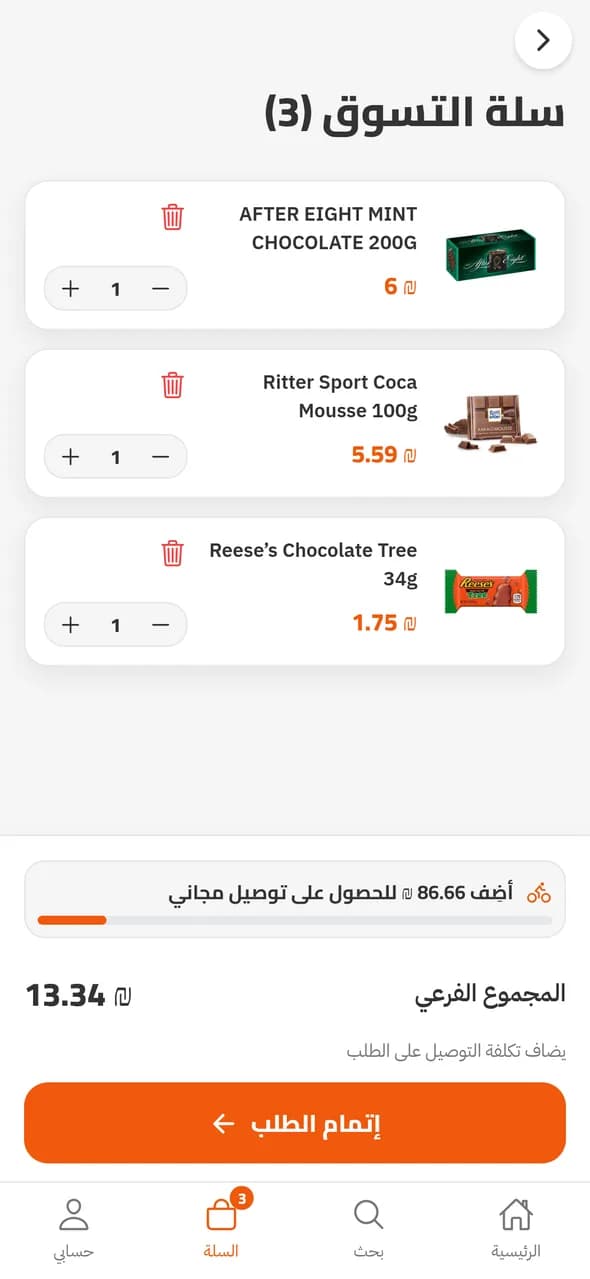
Browse aisles and offers
Neatly organised aisles, discounted offers, and filters by brand and country of origin.
- 3
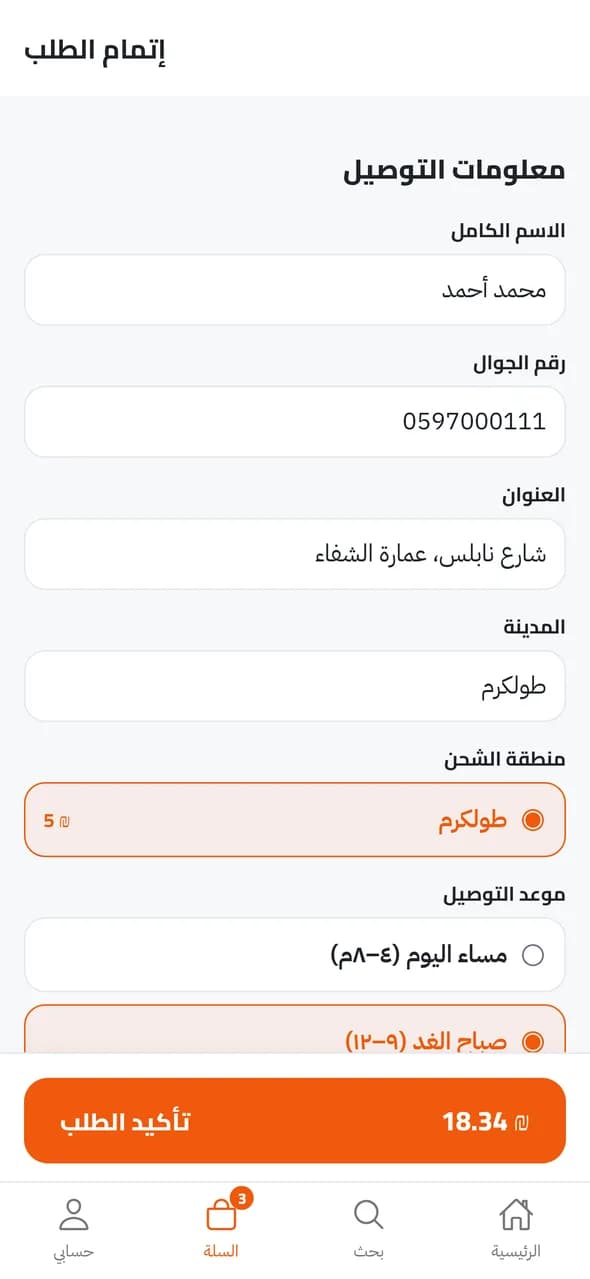
Check out, pick a time
Enter your address or choose one from your address book, then pick a delivery time.
- 4
Track it, pay on delivery
Follow your order from preparation to arrival, and pay the driver in cash.
Inside the app
Order now, pay at the door
Get Ali Go free on iPhone or Android.

Scan with your phone camera to download
Help
How do I find the app?
Tap one of the store buttons on this page, search the store for “Ali Go”, or scan the QR code with your phone camera.
The app doesn’t show up in my store?
Search for “Ali Go” in Latin letters and make sure your device is up to date. If it still doesn’t show, message us on WhatsApp and we’ll send a direct link.
Where do you deliver, and what does it cost?
Tulkarem: 5 ₪, free over 100 ₪
Do I need an account to order?
No — your name and mobile number are enough. Choose a 4-digit code when ordering to follow your orders later.
How do I pay?
Cash on delivery.
How do I delete my account?
In the app: Account → Delete account.